


Why Does My Audiobook Have Random Clicks, Pops, or Glitches?

Updated: May 29
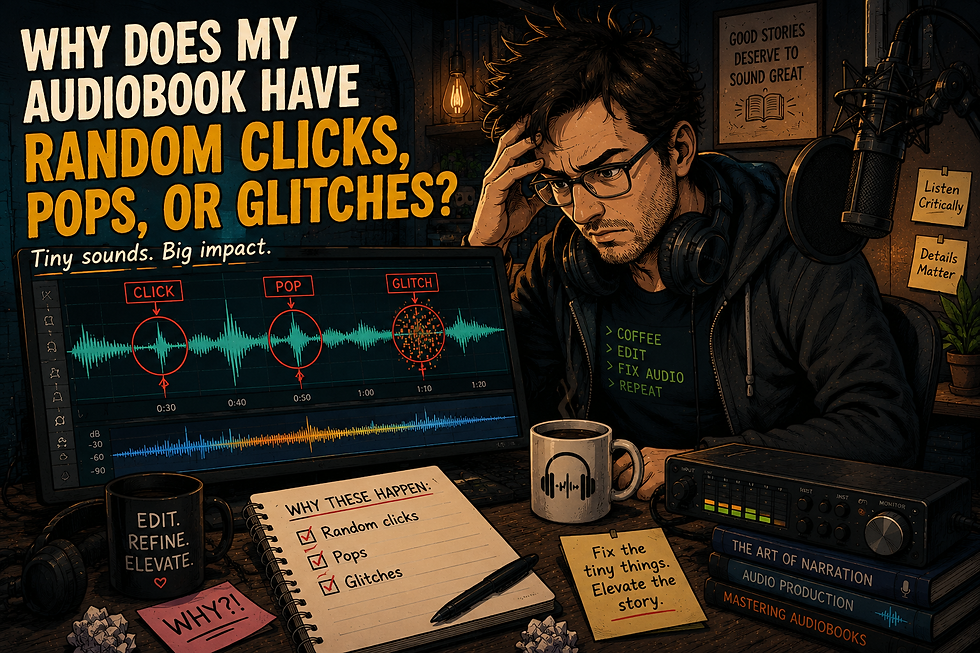
You finish recording your audiobook. Everything sounds fine.
Then you listen back—or worse, upload to ACX—and suddenly:
Your Audiobook clicks and pops you never noticed
Strange pops appear between words
Random glitches show up in the audio
What happened?
These Problems Often Don’t Happen During Recording
Most people assume clicks and pops come from:
Mouth noise
Bad mic technique
Background noise
Sometimes they do.
But just as often, these issues are introduced after the recording is done.
The Most Common Causes
1. File Conversion Problems
One of the biggest culprits is converting files—especially:
MP3 → WAV
Low-quality exports → higher-quality formats
This can introduce:
Tiny clicks
Digital artifacts
Harsh transitions
And they’re often subtle enough that you won’t notice them until later.
2. Editing Cuts That Are Too Tight
When you remove breaths or pauses, it’s easy to cut too close to the waveform.
That creates:
Hard edges in the audio
Tiny pops between words
Audible “jumps” in the sound
These are especially noticeable in narration, where the listener expects a smooth flow.
3. Inconsistent Room Tone
Silence isn’t actually silent.
If your background noise changes—even slightly—between edits, you can end up with:
Flickering noise floors
Tiny clicks between phrases
Distracting shifts in the audio
This is one of the biggest reasons audiobook editing takes longer than people expect.
4. Software or Plugin Artifacts
Noise reduction, de-clicking, and compression tools can help—but they can also introduce problems if pushed too far.
Common issues:
Warbling or “digital” sound
Sudden artifacts in quiet sections
Glitches at edit points
5. You Just Didn’t Hear Them the First Time
This is more common than people think.
When you’re recording, your brain is focused on:
Performance
Reading the text
Staying consistent
You’re not listening like an editor.
So small issues slip through—until you listen back later with fresh ears.
Why ACX (and Other Platforms) Catch These
Platforms like ACX run automated checks that are extremely sensitive.
They can flag:
Very short noises
Peak inconsistencies
Artifacts you might barely notice
So even if your audio sounds “fine,” it may still fail quality control.
How to Fix It
1. Zoom In on Your Edits
If you’re editing your own audio, don’t just cut by ear—look at the waveform.
Avoid cutting right at sharp peaks
Leave tiny natural transitions
Use fades when needed
2. Use Room Tone Properly
Instead of pure silence, fill gaps with consistent background tone.
This keeps everything smooth and natural. When searching for clean room tone I turn the gain up to over 1K to detect even the slightest bits of noise.
3. Be Careful with Processing
More isn’t always better.
Light, controlled use of:
De-click
Noise reduction
Compression
…is far safer than aggressive settings. Alway compare your processed audio to the raw recording to make check if the noise was created by using a noise reducing plugin.
4. Always Do a Final Listen Pass
Preferably:
On headphones
In a quiet space
When you’re not tired
This is where most of these issues get caught.
If your audiobook has clicks or glitches, it doesn’t mean you did something wrong—it means you’re doing a high-detail task that takes time to master.
Audiobook listeners are incredibly sensitive to small sounds—especially in quiet, spoken-word recordings.
The difference between “good enough” and “professional” often comes down to catching and fixing these tiny details.
Need Help?
If you’re hearing issues you can’t quite track down—or you just don’t want to spend hours chasing tiny glitches—I offer editing and cleanup services, as well as feedback on test files.


Comments